
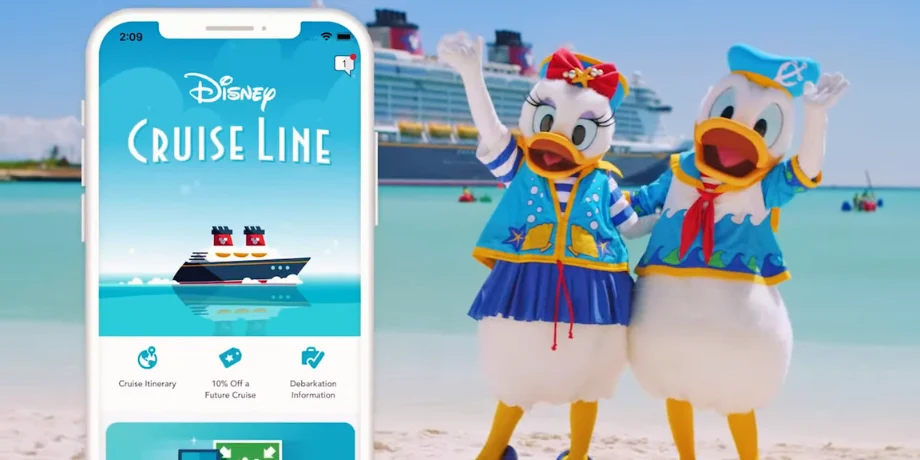
If you’re cruising from Singapore on the Disney Adventure in 2026, I completely get why WiFi matters. Maybe you want to message family back home, upload a few photos, check work essentials, or keep the kids entertained during downtime.
Here’s the simple truth: the Disney Cruise Line Navigator app works on the ship’s free Wi-Fi, but full internet access (web + email + social + streaming) requires a paid package.
Quick answer: Disney Adventure WiFi price (2026)
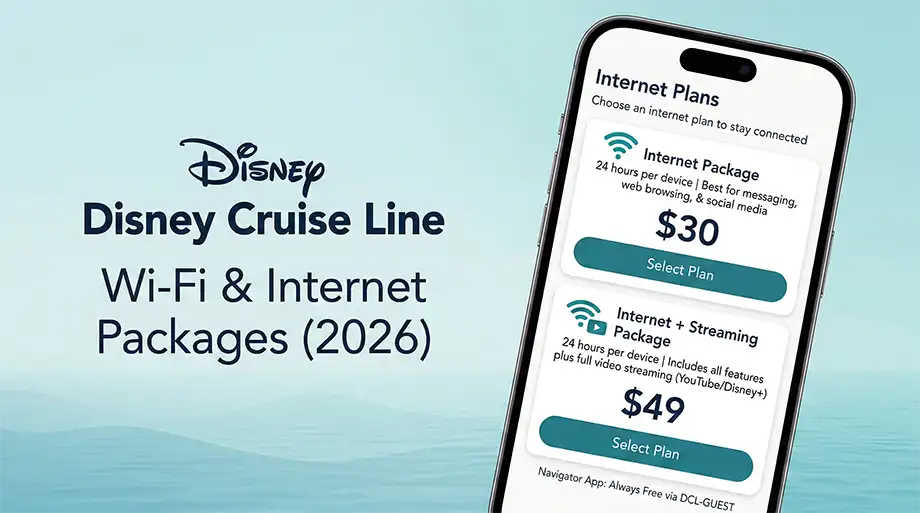
- Internet Package: budget about US$30 per device per 24 hours
- Internet + Streaming Package: budget about US$49 per device per 24 hours
- Free onboard: access to the Disney Cruise Line Navigator app on the ship Wi-Fi (DCL-GUEST)
Why I say “budget about”: Disney does not publicly list onboard internet prices on its website, and pricing may vary by ship/sailing. The most recent 2026 reports show the $30 / $49 rates on multiple sailings.
What’s free vs. paid onboard?
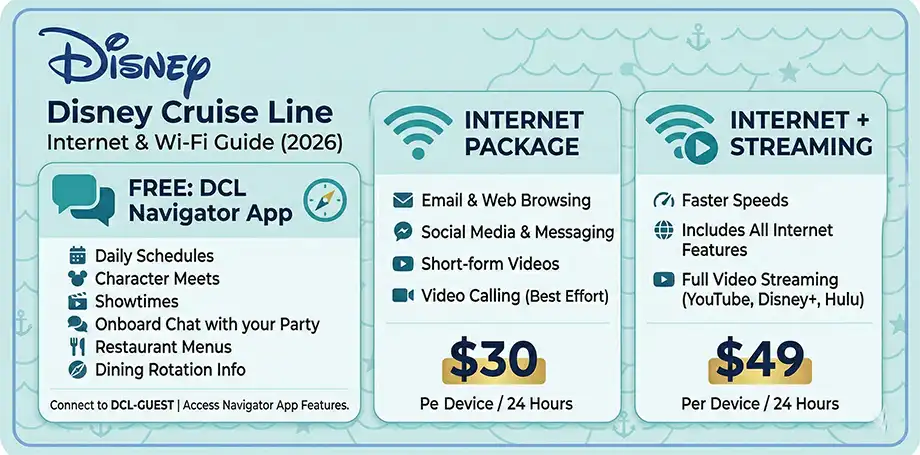
Free: Navigator app on DCL-GUEST Wi-Fi
Once you’re onboard, connect to the ship’s Wi-Fi network (DCL-GUEST). There is no charge to use Wi-Fi when you’re using it only for the Disney Cruise Line Navigator app.
Navigator app is essential for:
- Daily schedules, showtimes, and character meets
- Restaurant menus and dining rotation info
- Onboard chat with your travel party
- Managing plans and reservations
Paid: Internet + Streaming access
For everything beyond the Navigator app (web browsing, email, social media, video calling, streaming), you’ll choose one of Disney’s two onboard internet options: Internet Package or Internet + Streaming Package.
Disney Adventure WiFi packages & pricing (2026)
| Package | What it’s good for | Price (USD) |
| Internet Package | Email, web browsing, social media, messaging, and video calls (best effort). Also supports short-form social videos. | ~ $30 per device / 24 hours |
| Internet + Streaming Package | Everything in the Internet Package, plus faster speeds and access to streaming platforms and YouTube. | ~ $49 per device / 24 hours |
Tip for budgeting: If you only need internet on sea days, buy it only on those days and use your mobile data/Wi-Fi in port.
Example budgets (common Singapore sailings)
- 3-night cruise: Internet Package ≈ $90 • Internet + Streaming ≈ $147
- 4-night cruise: Internet Package ≈ $120 • Internet + Streaming ≈ $196
Note: Packages are sold in 24-hour blocks.
Last verified: February 2026 (Disney can change onboard prices anytime; always confirm inside the Navigator app once onboard.)
How to connect and purchase WiFi onboard (step-by-step)
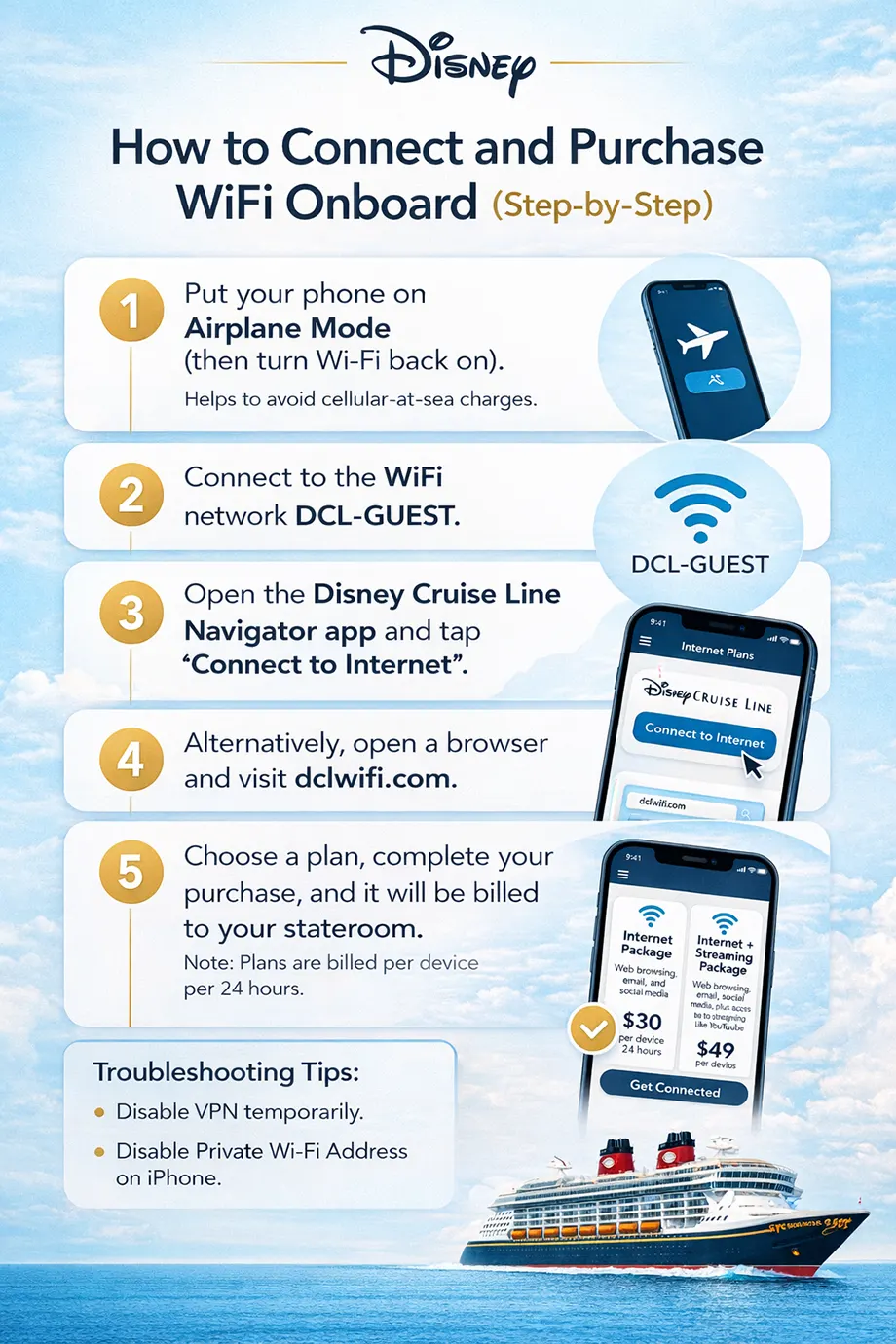
- Put your phone on Airplane Mode (then turn Wi-Fi back on). This helps avoid expensive cellular-at-sea charges.
- Connect to the ship Wi-Fi network: DCL-GUEST.
- Open the Disney Cruise Line Navigator app and tap “Connect to Internet”.
- You can also open a browser and go directly to dclwifi.com.
- Select your package (Internet or Internet + Streaming), choose the device count (if offered), and complete purchase. It will be billed to your stateroom folio.
If you can’t connect (quick troubleshooting)
- Disable VPN temporarily.
- On iPhone, turn off Private Wi-Fi Address and Limit IP Address Tracking for the DCL-GUEST network.
- Try loading dclwifi.com again after reconnecting.
Planning your full trip? Don’t miss our Disney Cruise Singapore 2026 comprehensive guide with sailing tips, cabins, and family planning advice.
Is WiFi available on Disney Adventure cruises from Singapore?
Yes — Disney Cruise Line offers onboard internet packages fleetwide, and the Disney Adventure will offer onboard connectivity as well. Just keep expectations realistic: it’s satellite internet, so speeds can be slower than what you’re used to on land and may occasionally drop.
How to save money on Disney Cruise WiFi
- Buy internet only when you truly need it (for example: one sea day for uploading photos + checking in at home).
- Share smartly: if your group can take turns, one paid plan may be enough (log out on one device before logging in on another).
- Monitor your usage: Use the Navigator app or Connect@Sea portal to track data in real-time.
- Turn off background updates and auto-downloads so your device isn’t wasting bandwidth.
- Download entertainment before you sail (Netflix/Disney+ offline downloads, podcasts, maps).
Final thoughts
WiFi on a Disney cruise is absolutely doable — it just helps to go in with the right expectations and a simple plan. If you only need messaging + onboard planning, the free Navigator app is often enough. If you need real internet, budget around $30/day (basic) or $49/day (streaming) per device and purchase only on the days you’ll actually use it.
References & Official Links
People also ask
1) Is WiFi free on Disney Cruise Line in 2026?
WiFi for the Disney Cruise Line Navigator app is available on the free DCL-GUEST network. Anything beyond the app (web browsing, email, social media, streaming) requires a paid internet package.
2) How much is Disney Cruise WiFi per day in 2026?
Recent 2026 reports show $30 per device per day for the Internet Package and $49 per device per day for Internet + Streaming. Disney sets pricing onboard and it can change, so always confirm inside the onboard portal.
3) Is Disney Cruise WiFi priced per person or per device?
Disney’s onboard internet pricing is typically per device per day (24-hour access). If multiple people want internet at the same time, you’ll usually need multiple device plans.
4) How do I connect and buy WiFi onboard (step-by-step)?
Turn on Airplane Mode, connect to DCL-GUEST, then open the Navigator app and tap “Connect to Internet” (or visit dclwifi.com). Your purchase is billed to your stateroom account.
5) Can I use WhatsApp or iMessage for free on a Disney cruise?
On DCL-GUEST, guests can access the Navigator app and may be able to use text-based iMessage/WhatsApp without buying a package (attachments/voice/video may still require paid internet). For full internet apps like Discord, you’ll need a paid plan.